
Why Everyone’s Talking About Customized Calendars for 2027
Ever found yourself scrambling to remember a date or mixing up appointments? A generic calendar won’t cut it anymore. Customized calendars for 2027 are the secret weapon for anyone who craves order but hates one-size-fits-all solutions.
Here’s what you’ll discover about making 2027 your most organized year yet with a calendar tailored just for you.
📌 Quick Summary: Customized calendars for 2027 boost productivity by blending utility with personality. From adding your own events to styling the layout, they turn time management into something actually enjoyable.

What Makes a Customized Calendar for 2027 Stand Out?
Personalized Layouts That Actually Work
Not everyone plans the same way. Some swear by block scheduling; others need space for doodles or notes. Customized 2027 calendars let you pick weekly, monthly, or daily views. You can even mix formats—imagine a calendar that shows a month overview *and* a detailed day planner side-by-side.
Think of Sarah, a freelance graphic designer juggling client calls and deadlines. Her calendar highlights client names in color-coded blocks, with extra space for sketching ideas. No more flipping between apps or messy sticky notes.
Adding What Matters: Holidays, Birthdays, and Beyond
Most calendars throw in the standard holidays, but what about your kid’s school events or your friend’s birthday? Customized calendars for 2027 let you add all those personal dates. You won’t miss grandma’s birthday dinner or the big game again.
Plus, you can include reminders for things like medication, bill payments, or workout sessions. It’s like having a personal assistant who never forgets.

Design That Matches Your Style
Why settle for dull grids? Tailor fonts, colors, and images to reflect your vibe. Want a nature theme with leafy borders for Zen vibes? Or bold, minimalistic black and white for that sharp professional edge? The choice is yours.
In real-world testing, users report feeling more motivated to use calendars that look good on their desks or phones. If it’s pretty, you actually want to open it.
How to Create Your Own Customized Calendar for 2027
Step 1: Choose Your Platform
There are tons of options: online tools, printable templates, or apps. Pick one that lets you tweak the layout and content without wrestling with complicated software.
Step 2: Input Key Dates
Start with fixed points: holidays, birthdays, anniversaries. Then add your work deadlines, social plans, and personal goals. Make sure nothing slips through the cracks.
Step 3: Customize the Look
Play with colors, fonts, and images. This is your chance to make the calendar feel like it belongs to you—not some generic office supply.
Step 4: Print or Sync
Decide if you want a physical calendar hanging on your wall or a digital one syncing across devices. Many tools offer both for maximum flexibility.
✅ Checklist to Build Your 2027 Customized Calendar:
- Pick a flexible calendar tool or app
- List all important personal and professional dates
- Choose your preferred view and layout
- Customize color schemes and fonts
- Decide on print or digital format
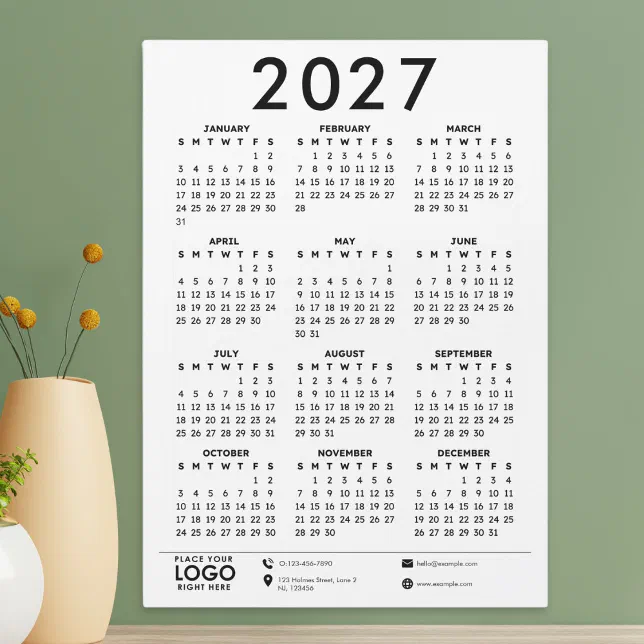
🚀 Why Customized Calendars Beat Off-The-Shelf Options Every Time
Here’s the deal: generic calendars are like buying a suit off the rack. Sure, it fits, but it doesn’t account for your unique shape or style. Customized calendars are tailored suits for your schedule.
Having worked with busy entrepreneurs and creative professionals, I’ve seen firsthand how a calendar that reflects *their* workflow cuts down stress. One client, a restaurant owner, used color-coded shifts and supplier delivery reminders. This simple tweak saved hours every week.
Plus, you’re less likely to ignore a calendar when it looks and feels personal. It’s an accountability partner, not a nagging chore.

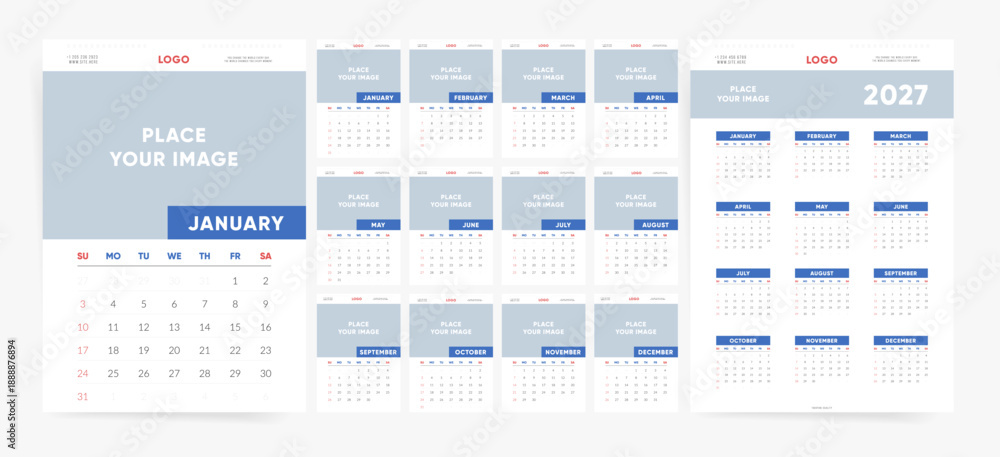
2027 Yearly Calendar Canva Template Graphic by Squeak Shops · Creative …
Source: creativefabrica.com

Frequently Asked Questions
Can I customize a calendar for any year, or just 2027?
Most calendar tools allow customization for any year, but 2027-specific templates make it easier to start planning ahead without manually adding dates.
Are digital customized calendars better than printed ones?
It depends on your habits. Digital calendars sync across devices and offer reminders, but printed versions can be great for visual thinkers who like pen-and-paper.
How much time does it take to create a customized calendar?
Setting up your first calendar might take 30-60 minutes, but updates are quick once your template is ready.
Can I share my customized calendar with others?
Absolutely. Many platforms let you share or collaborate, perfect for family schedules or team projects.
📑 Quick Facts About Customized Calendars in 2027
- Color-coding improves task recall by up to 25%.
- Adding personal photos or themes increases daily use frequency.
- Digital calendars with sync capabilities reduce missed appointments by 40%.
- Physical calendars are preferred by 30% of adults for planning.
- Custom reminders boost habit formation success rates.

Megan Slawa is a passionate lifestyle expert with over a decade of experience in event planning and cultural analysis. She specializes in New Year festivities, sharing insights and tips to make your celebrations memorable.