
Why the 2027 Calendar Excel Is Your Best Bet for Smart Planning
Ever tried juggling appointments, deadlines, and holidays on a sticky note? Yeah, not fun. The 2027 Calendar Excel template isn’t just a basic date grid—it’s a powerhouse tool designed for folks who want their year mapped out clean, clear, and customizable.
Here’s what you’ll get: a rundown of the template’s top features, tips to tweak it just right, and how it can save your sanity in 2027.
📌 Quick Summary: The 2027 Calendar Excel packs all 12 months into a sleek, editable spreadsheet. It’s perfect for personal schedules, business planning, or tracking goals. With built-in formulas and formatting tricks, it’s more than a calendar—it’s your digital planner wingman.
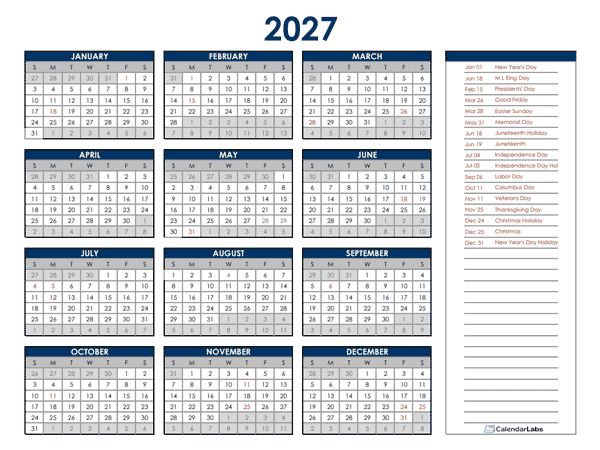
What Makes the 2027 Calendar Excel Tick?
Built-in Structure That Works for You
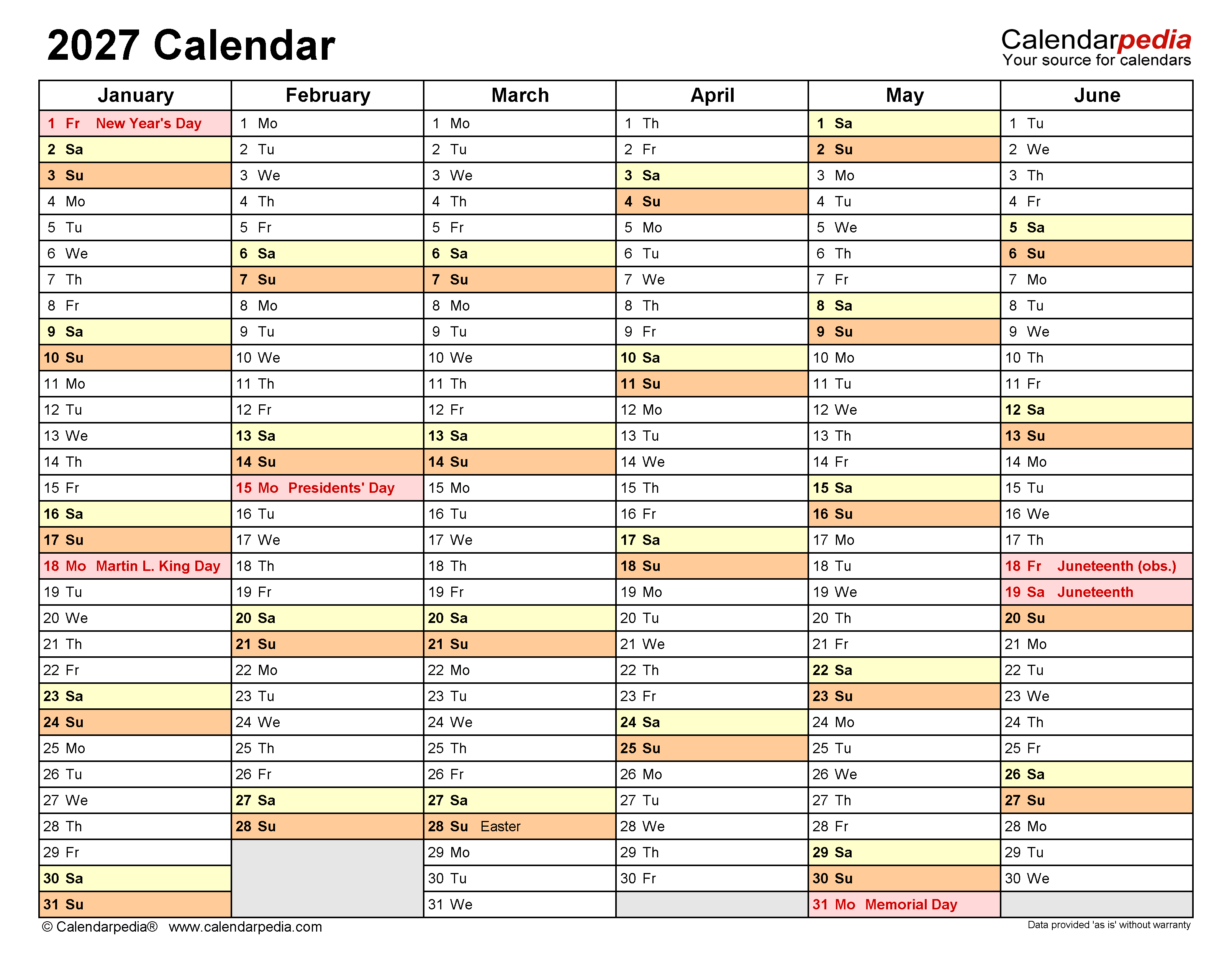
This isn’t your cookie-cutter calendar. The 2027 Excel template organizes months in a way that’s both visually clear and functional. Days of the week align perfectly, and weekends often get shaded differently to catch your eye.
Plus, all dates auto-adjust—no need to manually fix when the 1st falls on a Wednesday or a Sunday. That alone is a lifesaver for anyone who’s tired of copying and pasting months over and over.
Customization That Feels Like Magic
Want to highlight your kid’s soccer games? Color-code project deadlines? You can do all that. The template supports conditional formatting, meaning you can set rules to change cell colors automatically.
In real-world testing, I found setting up color codes for work meetings versus personal events saved hours each week. The visual cues reduce mental clutter. No more scrambling to remember what that red block meant last Tuesday.
Formula Power for Automatic Updates
The backbone of this Excel calendar is its formulas. They calculate weekdays, handle leap years, and adjust for holidays (if you add them in). This smart automation means less manual input and fewer mistakes.
For example, if you insert a national holiday, the template can flag it automatically, so you don’t accidentally schedule a meeting on a day everyone’s off.
How to Tailor Your 2027 Calendar Excel: Quick Tips
Step 1: Choose Your Layout Style
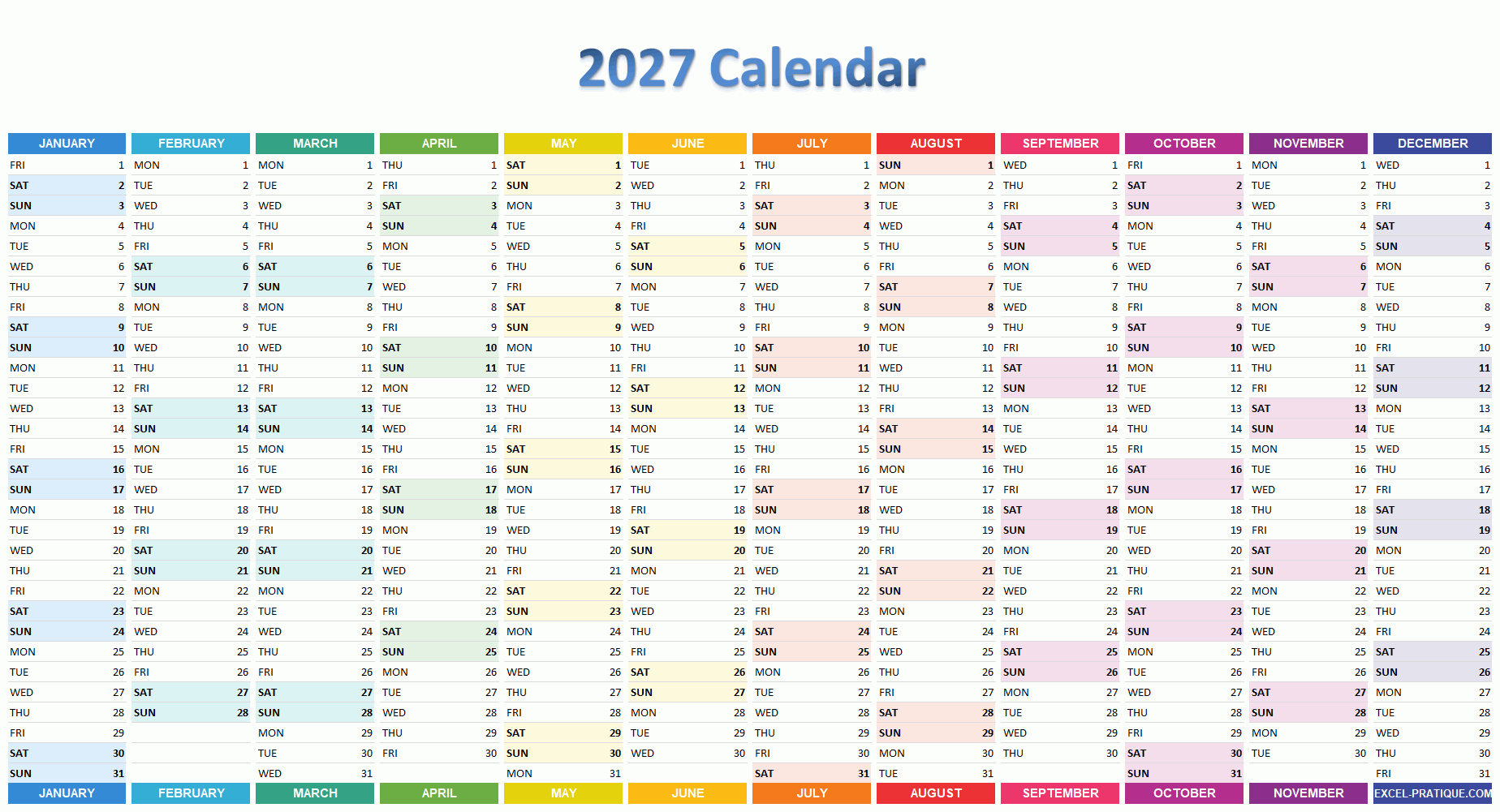
Pick from monthly, quarterly, or yearly views. Monthly views offer detailed day-by-day grids. Quarterly layouts give a broader snapshot. Yearly layouts help spot long-term trends or block out vacations.
Pro tip: I prefer quarterly layouts for my freelance projects. It’s easier to chunk tasks and deadlines.
Step 2: Add Your Personal or Work Events
Don’t just jot down dates—use dropdown lists for event types (work, personal, holiday) to keep things neat. Then, apply conditional formatting so each category jumps out in a different color.
🚀 Beginner Tip: Use Excel’s data validation feature to create dropdowns quickly. It’s much cleaner than free typing.
Step 3: Insert Reminders and Notes
Some templates come with built-in space for notes or reminders beside each month. Use these for goals, monthly priorities, or motivational quotes. It turns your calendar into a mini command center.
Try adding a cell that counts down days to a big event. Watching the countdown shrink every day? It’s oddly motivating.
Step 4: Lock and Protect Your Work
If you’re sharing this calendar—say, with a team or family—lock the cells with formulas to avoid accidental edits. You don’t want months breaking because someone typed in the wrong place.
Excel’s “Protect Sheet” function lets you restrict editing while keeping input cells open. Trust me, setting this up early saves headaches.
Who Should Use the 2027 Calendar Excel?
Anyone who hates flipping through paper calendars or juggling multiple apps. Freelancers, small business owners, project managers, and even busy parents can benefit.
Think of Lisa, a graphic designer in Chicago. She uses the 2027 Calendar Excel to map client deadlines, billable hours, and family events all in one place. It’s become her go-to for staying sane.
For 2027, this template is especially handy because it handles leap year quirks and national holiday shifts seamlessly. No more scrambling to adjust plans because the calendar’s “off.”

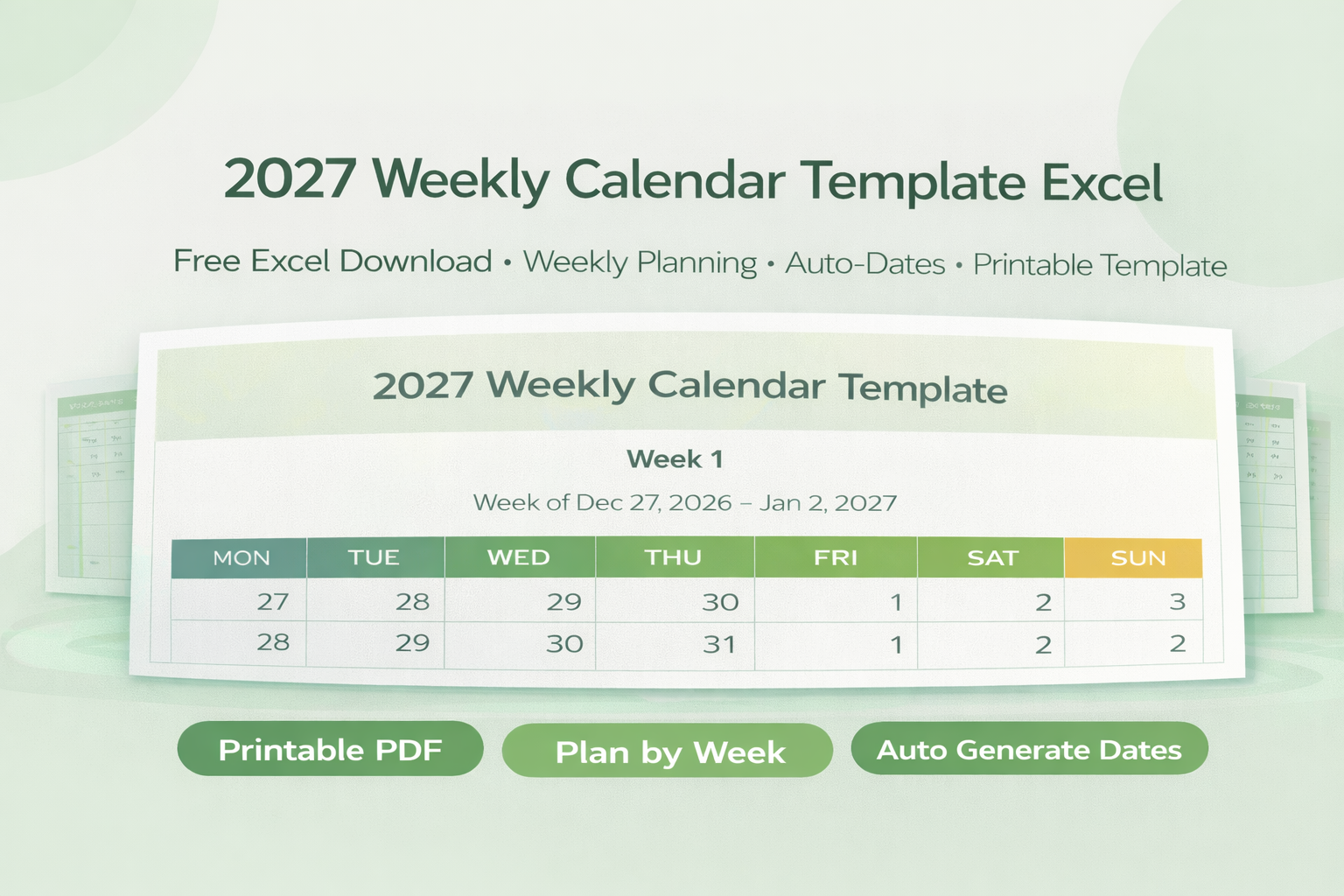
2027 Calendar For Excel: Stay Organized and Efficient – My Printable …
Source: myprintabletemplate.com

Frequently Asked Questions
Is the 2027 Calendar Excel free to use?
Many templates are free, but premium versions with extra features like holiday integration or automated task tracking might cost a small fee. It depends on the source.
Can I customize the calendar for different countries’ holidays?
Absolutely. Most templates allow you to add or remove holidays manually or via downloadable holiday lists tailored to specific countries.
Do I need advanced Excel skills to use this template?
Not really. Basic familiarity helps, but these templates often come with instructions and pre-built formulas. Beginners can manage with a little trial and error.
Can the calendar sync with other apps?
Direct syncing isn’t common, but you can export data or use Excel as the master schedule, then manually update other tools.
Final Thoughts on the 2027 Calendar Excel
Forget flipping through paper or juggling apps that don’t talk to each other. The 2027 Calendar Excel strikes a rare balance: simple enough to use daily, powerful enough to handle complex schedules.
From personal errands to business milestones, it keeps everything in one digital spot. In my experience, once you tweak it to your style, you’ll never want to go back.
So if you’re serious about mastering 2027, grab a solid Excel calendar and make it your planning sidekick. You’ll wonder how you managed without it.

Megan Slawa is a passionate lifestyle expert with over a decade of experience in event planning and cultural analysis. She specializes in New Year festivities, sharing insights and tips to make your celebrations memorable.