
Why Google Calendar 2027 Is Becoming Your Ultimate Scheduling Sidekick
Ever thought your calendar could do more than just show dates? Google Calendar 2027 is flexing some serious muscle with smarter scheduling and slicker integrations that make juggling your life a breeze.
This article breaks down the latest updates, practical tips, and insider insights to help you dominate your calendar game in 2027.
📌 Quick Summary: Google Calendar 2027 brings AI-driven scheduling, enhanced collaboration, and better task management. It’s designed to keep your day organized without the usual headaches.
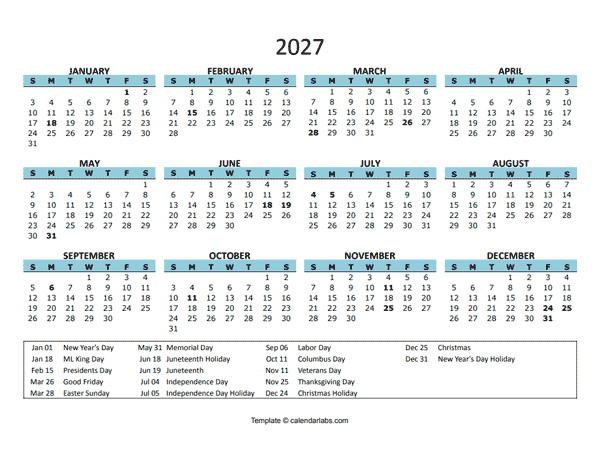
Fresh Features Changing the Way You Schedule
AI-Assisted Meeting Scheduling
If you’ve ever wrestled with finding a meeting time that works for everyone, Google Calendar 2027’s AI feature is your new best friend. It scans your contacts’ free times and suggests optimal slots automatically.
This isn’t just guesswork. It analyzes past meeting habits and preferences, so it’s like having a personal assistant who knows your quirks.
Deeper Google Workspace Integration
Gone are the days of toggling between apps. Google Calendar 2027 syncs seamlessly with Gmail, Docs, and Meet, allowing you to jump straight into meetings or documents right from your calendar event.
This tight integration means you can attach relevant files or chat with participants without leaving the calendar interface.
Customizable Notifications & Focus Time
Notifications can be a nightmare—either too many or none at all. Now, you can tailor reminders for different event types and set “focus time” blocks where notifications mute automatically.
This is a sanity-saver, especially for folks who treat their calendar like a to-do list on steroids.

Practical Tips From a Real-World Google Calendar Junkie
Working with calendars for over a decade, I’ve seen tools come and go. Google Calendar 2027 stands out because it respects how chaotic real life can be.
For instance, I often set recurring focus time during my peak productivity hours. The “do not disturb” notifications during these blocks keep distractions at bay. Trust me, your inbox can wait.
Also, color-coding events based on priority or category has never been easier or more intuitive. In a recent week, this helped me instantly spot high-stakes meetings versus casual catch-ups, saving me from double bookings.
🚀 Beginner Tip: Start by syncing your calendar with your phone and desktop. Then, experiment with creating “event templates” for frequent meetings to save time.
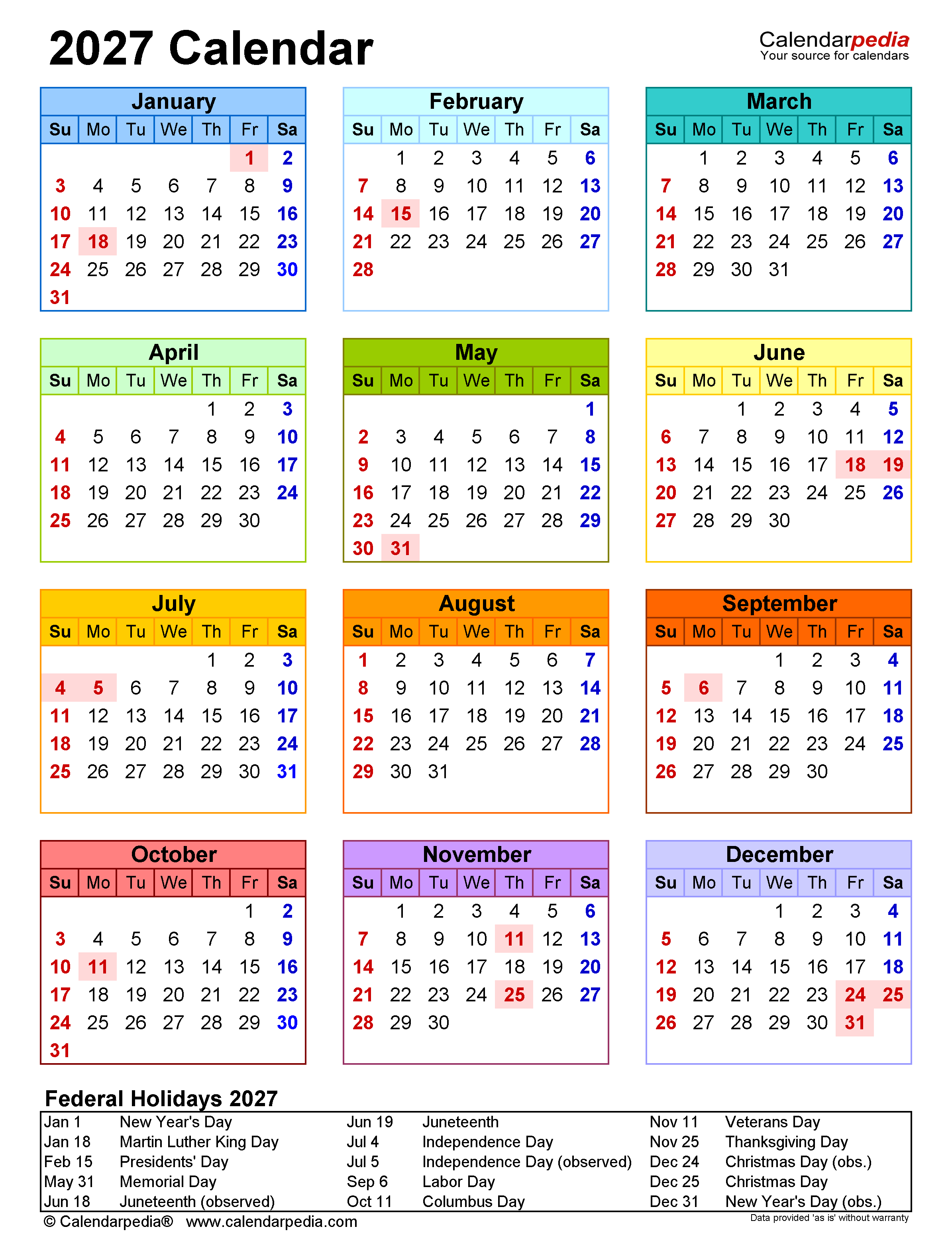
Key Changes You Shouldn’t Ignore
| Feature | Why It Matters | Pro Tip |
|---|---|---|
| AI Meeting Suggestions | Reduces back-and-forth emailing when scheduling | Enable “Smart Scheduling” in settings for automatic suggestions |
| Focus Time Blocks | Protects deep work periods from interruptions | Pair with “Do Not Disturb” mode on your devices |
| Attachment Preview | Quickly review files linked to events without opening new tabs | Upload docs directly from Google Drive for faster access |
| Personalized Reminders | Improves punctuality by tailoring alerts | Set different notification sounds for different event types |
These tweaks may seem small, but they add up to a calendar that feels less like a chore and more like a command center.
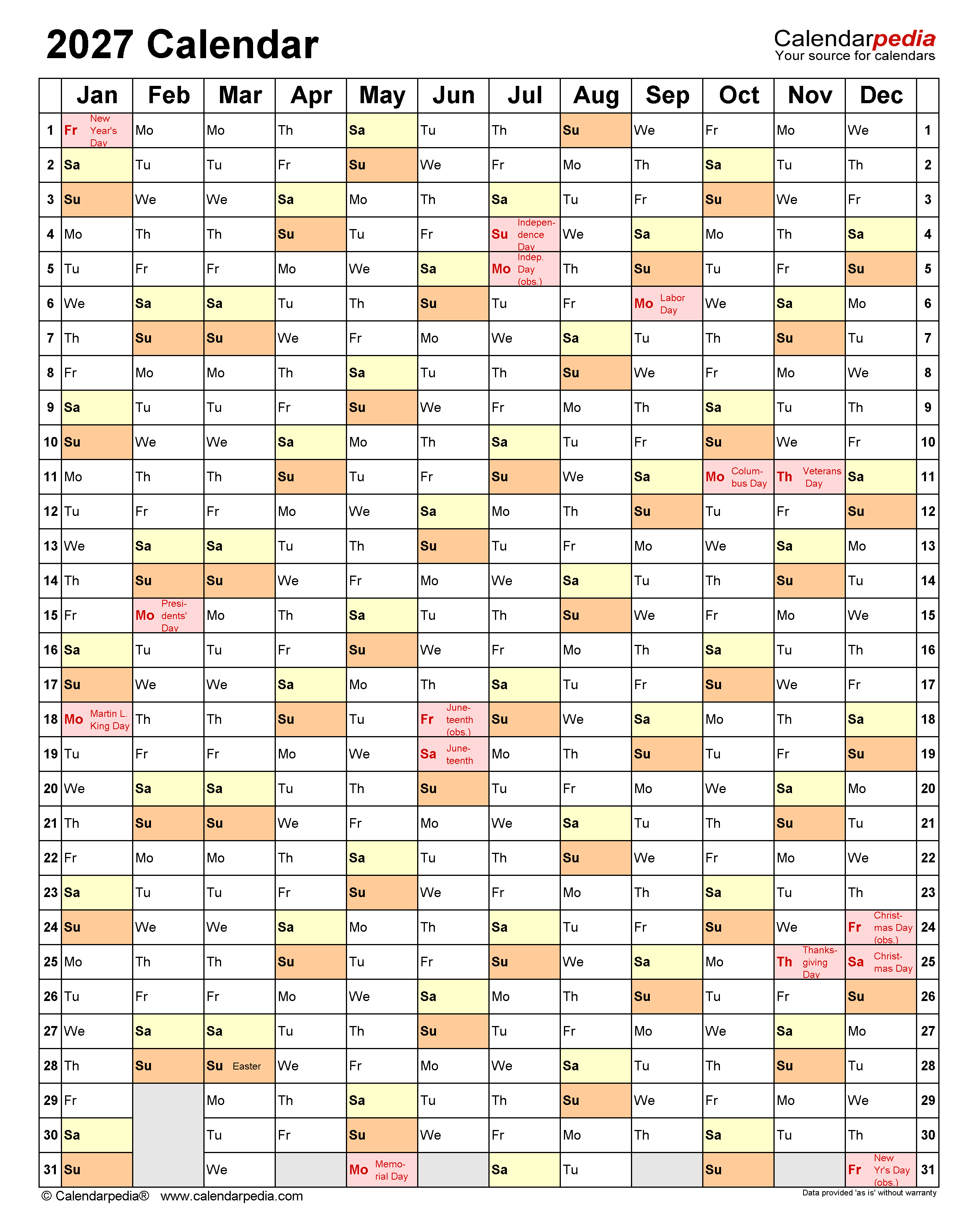
Expert Insight: The Future of Scheduling Is Smarter, Not Busier
“Google Calendar 2027 is a clear step toward calendars that understand context,” says Jamie Lin, a productivity consultant based in San Francisco. “It’s not just about marking time anymore; it’s about optimizing your time.”
Jamie advises users to embrace the AI features fully but also to maintain manual control for critical tasks. “Automation is great, but nothing replaces intentional planning,” they add.
From my experience, this balance is key. Let the AI handle the grunt work, but keep your eyes on the bigger picture.
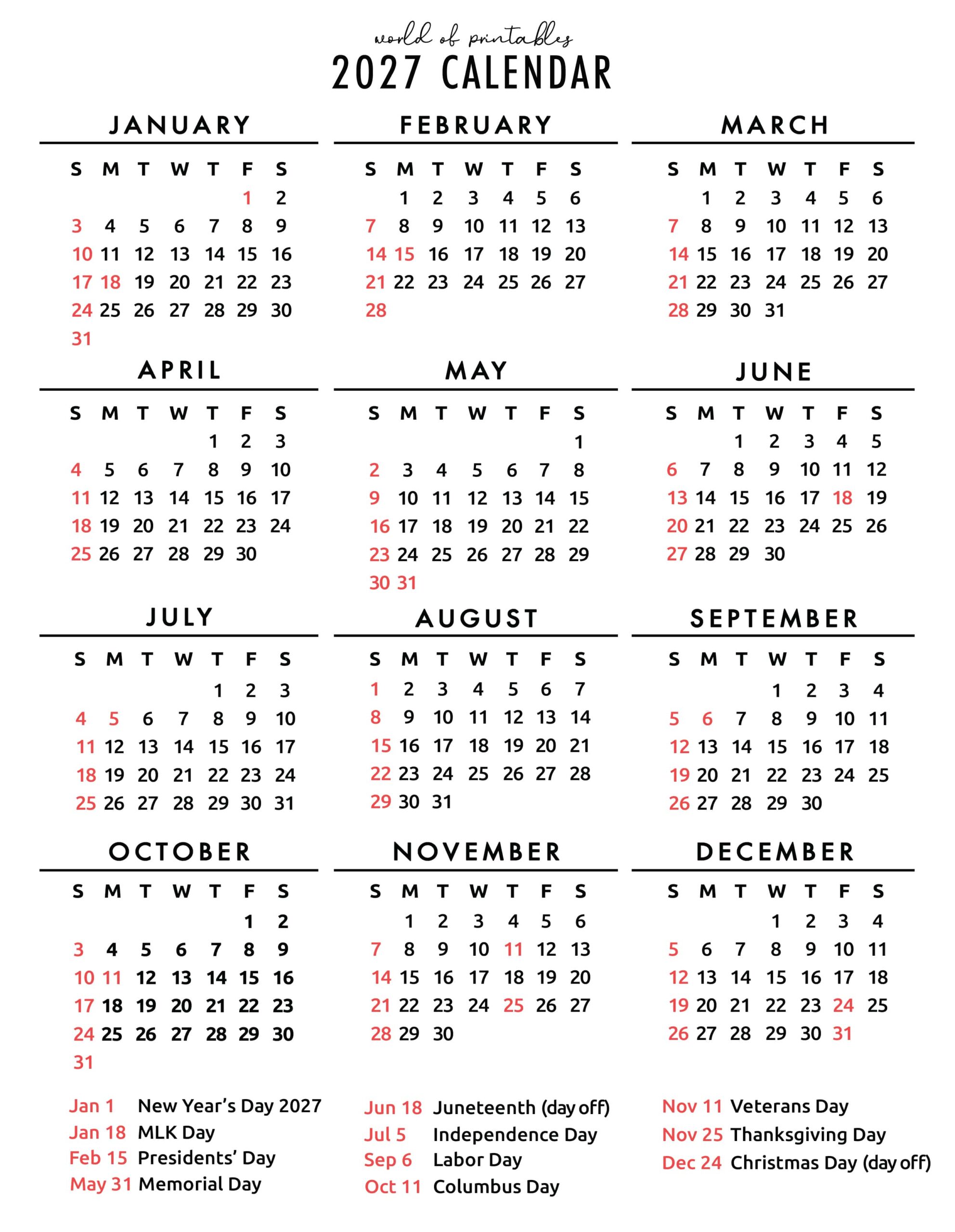
2027 Calendar With Holidays (Free Printable PDFs) – World of Printables
Source: worldofprintables.com
Frequently Asked Questions
Is Google Calendar 2027 free to use?
Yes, the core features of Google Calendar 2027 remain free. Some advanced Workspace integrations may require a subscription depending on your account type.
Can I sync Google Calendar 2027 with other apps?
Absolutely. It supports syncing with most major calendar apps and productivity tools, including Outlook, Apple Calendar, and various third-party task managers.
How secure is my data on Google Calendar?
Google employs robust encryption and privacy measures. Users should still exercise caution with sensitive data and leverage available security settings like two-factor authentication.
Does Google Calendar 2027 support offline use?
Yes. You can view and edit events offline, and changes will sync once you reconnect to the internet.
What’s new in Google Calendar 2027 compared to 2026?
The 2027 version adds smarter AI scheduling, better Workspace integration, customizable focus time, and enhanced notification controls, making it a more proactive tool.

Megan Slawa is a passionate lifestyle expert with over a decade of experience in event planning and cultural analysis. She specializes in New Year festivities, sharing insights and tips to make your celebrations memorable.