
Why Printing Your 2027 Calendar Beats Digital Apps Every Time
Ever tried juggling appointments on a tiny phone screen while your laptop’s buried under papers? Yeah, me too. Sometimes, you just want a big, bold calendar staring at you from the wall. It’s not just nostalgia — it’s practical.
Here’s the deal: printing your own 2027 calendar means customizing it exactly how you want. No cluttered apps, no battery issues, just pure, tactile organization. What you’ll learn: how to pick, design, and print your perfect 2027 calendar hassle-free.
📌 Quick Summary: Printing a 2027 calendar offers unmatched flexibility and clarity. With free templates and smart printing tips, you can create a calendar that’s both functional and stylish, fitting your unique schedule and style.
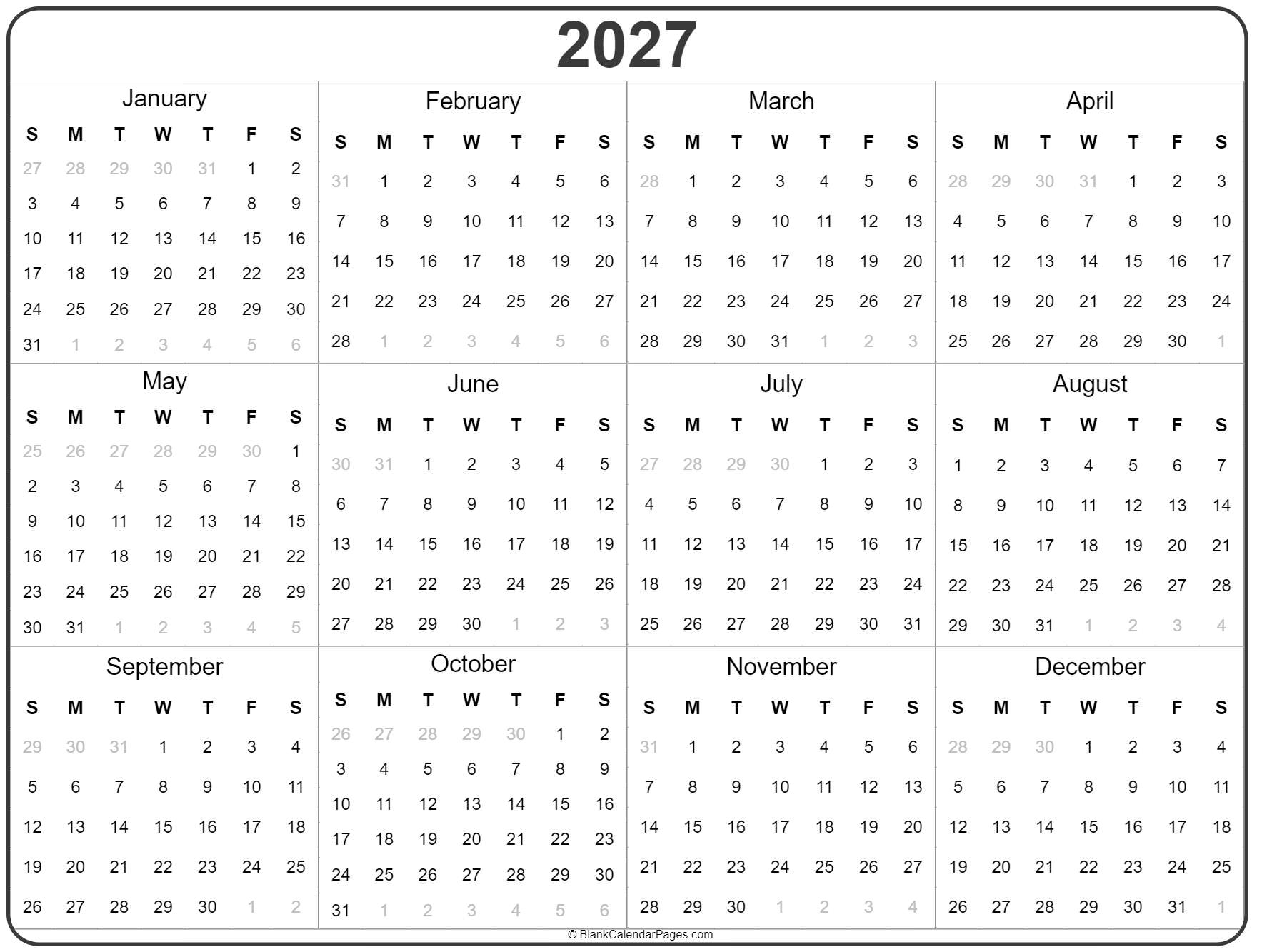
Picking the Perfect 2027 Calendar Template: What Works and What Doesn’t
Not all calendar templates were made equal. Some are crowded with useless graphics; others barely leave space to jot down your dentist appointment. The best templates balance clean design with ample writing room.
Monthly vs. Yearly Layouts
Monthly calendar templates let you focus on one month at a time, which is great if your schedule changes frequently. Yearly layouts give a bird’s-eye view, perfect for tracking big-picture stuff like vacations or deadlines.
Design Styles to Match Your Vibe
Minimalist templates are a lifesaver if you hate distractions. Bold, colorful designs can make your calendar pop — ideal if you want a bit of fun on the wall. Pro tip: avoid fonts that look fancy but kill legibility.
Where to Find Free 2027 Calendar Templates
Google Docs, Microsoft Office, and even some online print shops offer free calendar templates for 2027. But don’t just grab the first one you see — test print a page to check margins and spacing before committing.

The Printing Process: How to Get a Crisp, Clean 2027 Calendar on Paper
Printing seems simple until the colors run wild or the text blurs. Trust me, I’ve wasted more than a few sheets trying to get it right. Here’s how to avoid that headache.
Paper Choice Matters
Go for thick, matte paper if you want a calendar that feels premium and won’t glare under your office light. Glossy paper looks flashy but can smudge if you use pens or markers.
Printer Settings You Can’t Ignore
Set your printer to “best quality” mode, and double-check you’re printing in color if your design calls for it. Use the “fit to page” option unless you want to wrestle with margins later.
DIY Binding Options
If you’re printing a multi-page calendar, think about how you’ll bind it. Spiral binding is slick but requires a visit to a pro shop. Stapling or using binder clips can work in a pinch (and look charmingly homemade).
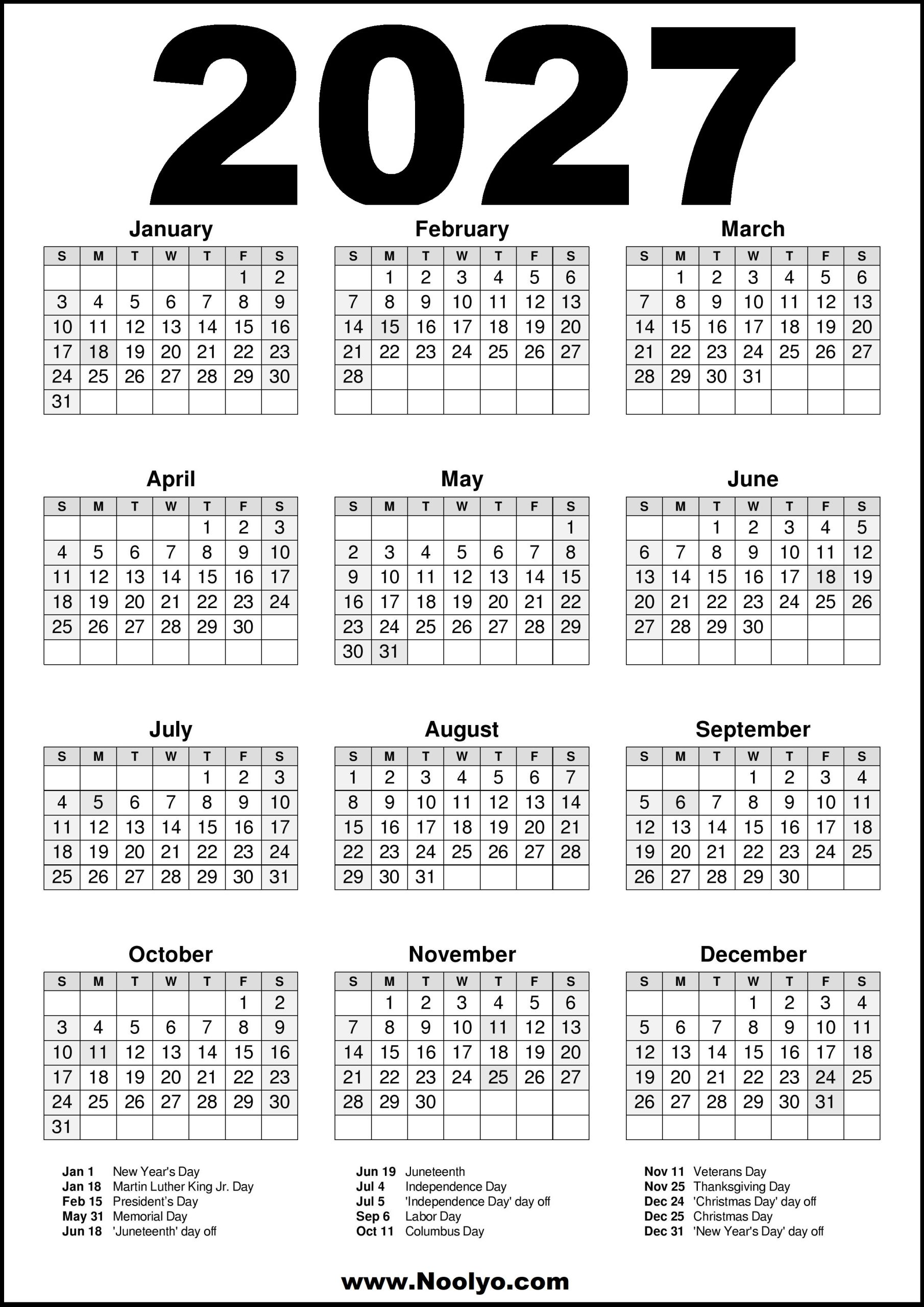
Adding Your Unique Touch: Customization Ideas for Your 2027 Calendar
Don’t settle for a cookie-cutter calendar. The real fun is making it yours — the way you want it to work for your lifestyle.
Highlight Important Dates
Use colored pens or stickers for birthdays, anniversaries, or project deadlines. Visual cues save you from missing crucial dates when life gets hectic.
Incorporate Notes and To-Do Sections
Some templates have room for notes. If yours doesn’t, leave a margin blank or tape on sticky notes. Keeping tasks and appointments in one place keeps your brain less cluttered.
Include Inspirational Quotes or Photos
Here’s a trick I use: add a monthly photo of something meaningful or a motivational quote. It’s like a little pep talk to yourself every time you glance up.

2027 Printable Calendar One Page With Holidays – Free Printable Calendar
Source: calendar.weloveprintables.net

Frequently Asked Questions
Can I print a 2027 calendar on any home printer?
Yes, but quality varies. Inkjet printers handle color better, while laser printers produce sharper text. For a professional finish, consider a print shop.
Are there printable calendars that include holidays and moon phases?
Absolutely. Many free templates include public holidays and lunar cycles. Just pick one that suits your region and needs.
How can I save on printing costs?
Print in black and white if color isn’t essential. Also, use draft mode for test pages. Choosing single-sided printing can save paper, but double-sided looks cleaner.
Can I customize calendar templates without graphic design skills?
Yes! Tools like Google Docs and Microsoft Word have user-friendly editors. You can change fonts, colors, and add images without any fancy software.
Is there a recommended size for printed calendars?
Common sizes are A4 or Letter for desk calendars and A3 for wall calendars. Bigger sizes mean more writing space but can be harder to find frames for.
In real-world testing, I found that printing a 2027 calendar on high-quality matte paper with a minimalist template made my workspace instantly more productive. The simple act of writing down appointments on a physical calendar kept me more accountable than any app reminder ever did.
So, grab a template, pick your paper, and get printing. Your future self will thank you when 2027 hits and you’re already a step ahead.

Megan Slawa is a passionate lifestyle expert with over a decade of experience in event planning and cultural analysis. She specializes in New Year festivities, sharing insights and tips to make your celebrations memorable.