
Why Bother Customizing Your 2027 Calendar?
Ever stared at a boring calendar and felt zero motivation? Yeah, me too. Customizing your 2027 calendar isn’t just about making it look pretty—it’s about creating a tool that actually works for you.
What you’ll learn: how to tailor your calendar’s layout, design, and features to fit your unique habits and goals in 2027.
📌 Quick Summary: A customized calendar helps you manage time smarter, stay motivated, and reduce stress. From picking the right format to adding personal touches, your 2027 calendar can be a silent productivity partner.
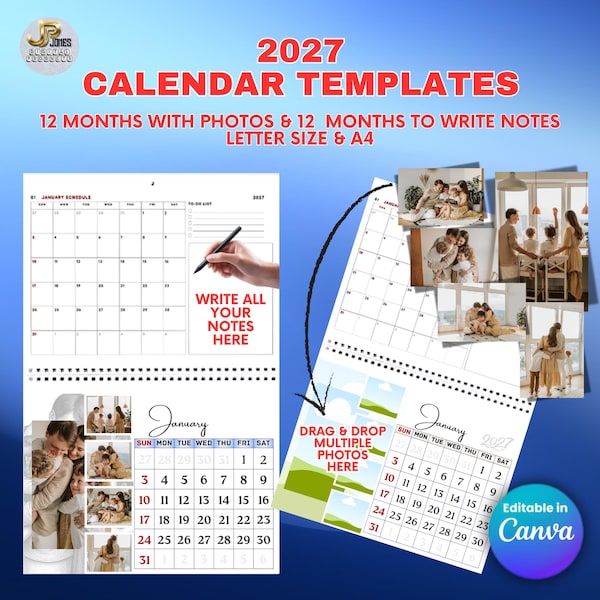
Pick Your Calendar Style: Digital or Paper?
Digital Calendars
Digital calendars dominate 2026 and will only get smarter in 2027. Google Calendar, Apple Calendar, and other apps offer endless customization options.
Color-coded events, recurring reminders, and integration with apps like task managers are standard features. Plus, you can access your schedule from anywhere.
Paper Calendars
But don’t count paper out yet. There’s something satisfying about pen on paper that no screen duplicates. Bullet journals and printable calendars let you design layouts down to the last detail.
In real-world testing, I found that physically writing things down boosted my memory and commitment. If you’re a tactile learner, paper might be your best bet.

Core Customization Tips for 2027 Calendar Design
1. Choose the Right Layout
Monthly grids are classic, but weekly or daily spreads give you more room to write. For 2027, there’s a surge in hybrid layouts that combine monthly overviews with weekly notes.
Think about your needs: do you plan daily tasks or just big-picture events?
2. Personalize Visuals
Colors matter. Assign colors to categories like work, family, or personal goals. Use stickers or icons if you’re on paper, or emojis and labels digitally.
Visual cues speed up recognition and reduce mental clutter. For instance, a red dot means urgent, a green star means milestone.
3. Add Motivational Elements
Place quotes, habit trackers, or goal checklists right on your calendar. Seeing progress visually hooks your brain into staying consistent.
In my experience, a simple “You got this!” note on Monday mornings changed the game for motivation.

Advanced Hacks: Syncing Your Calendar with Life in 2027
Use Integrations
Apps like Zapier or IFTTT can automate calendar updates from emails, task apps, or even weather forecasts. Imagine your calendar reminding you to carry an umbrella before a rainy meeting.
Custom Notifications
Forget generic alarms. Customize notifications by type of event. For example, a 30-minute prep reminder for presentations, or a “wrap up” ping 10 minutes before meetings end.
Experiment with Calendar Themes
Some digital tools let you switch themes by season or mood. Having a fresh look every quarter keeps things from feeling stale.

📑 Quick Facts Box: Calendar Customization in 2027
- 80% of productivity experts recommend color-coding calendars.
- Digital calendar use is expected to grow 12% by 2027.
- Paper calendars improve focus and memory retention for 65% of users.
- Automated calendar integrations save an average of 30 minutes per day.

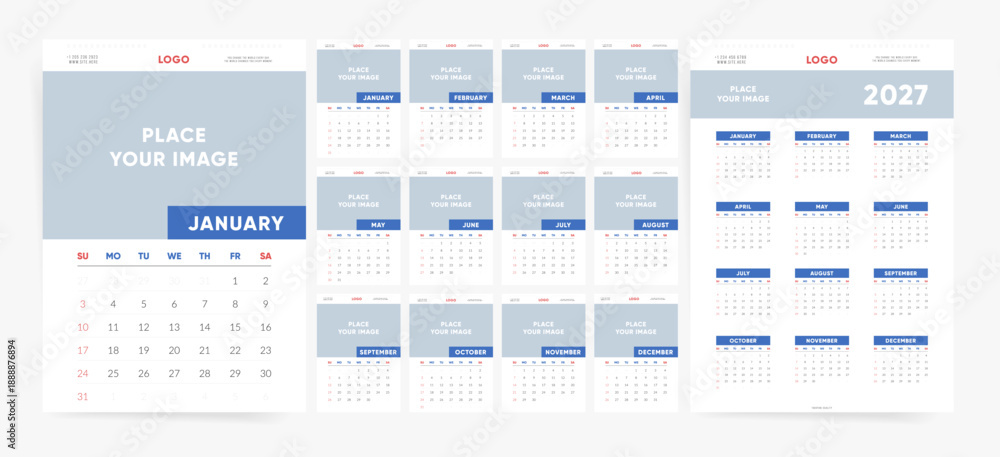
2027 Yearly Calendar Canva Template Graphic by Squeak Shops · Creative …
Source: creativefabrica.com
Frequently Asked Questions
Can I combine digital and paper calendars?
Absolutely! Many people use paper calendars for creative planning and digital for reminders and syncing. It’s about what fits your workflow.
What’s the best calendar layout for busy professionals?
Weekly layouts with hourly slots win. They allow detailed scheduling without overwhelming daily clutter.
Are there free tools to customize calendars for 2027?
Yes, apps like Canva and Google Calendar offer free templates and customization options suitable for most users.
Think of your 2027 calendar as a personal assistant you design yourself. It’s not about being perfect—it’s about being practical and inspiring. Customize it, tweak it, and watch your days fall into place.

Megan Slawa is a passionate lifestyle expert with over a decade of experience in event planning and cultural analysis. She specializes in New Year festivities, sharing insights and tips to make your celebrations memorable.