
Why This 2027 Word Calendar Template Will Be Your Planning MVP
Ever tried juggling dates, deadlines, and events with a sticky-note tornado on your desk? Yeah, it’s chaos. What if you could tame that mess with a simple, customizable Word calendar template for 2027? No fancy apps, no headaches.
Here’s what you’ll learn: how this template saves your sanity, tweaks to make it your own, and why it beats the heck out of generic planners.
📌 Quick Summary: This 2027 Word calendar template is a lifesaver for anyone craving a no-fuss, customizable planner. It’s easy to edit, print, and personalize—perfect for home, work, or school.
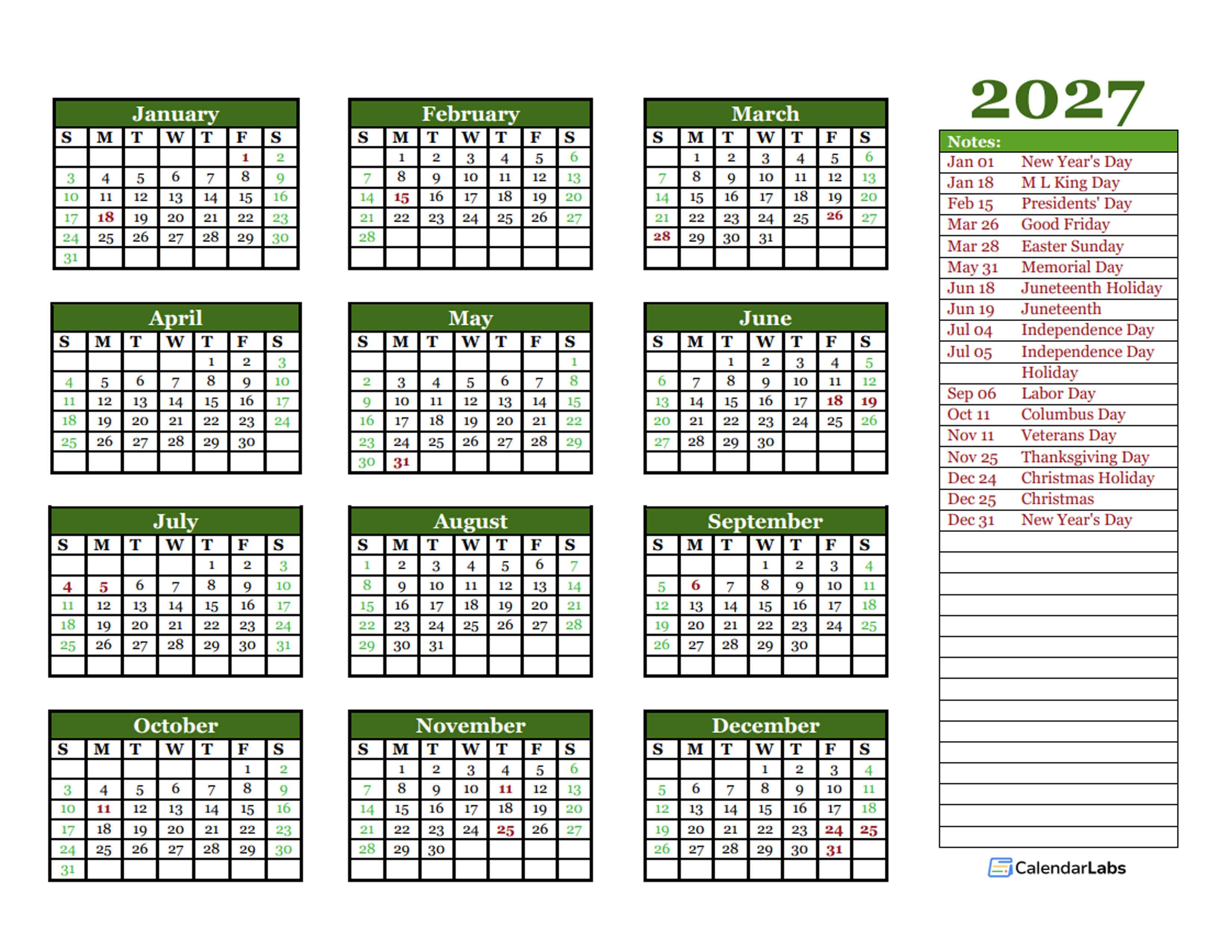
What Makes a Word Calendar Template for 2027 Worth Your Time?
First off, Word is everywhere. You don’t need to snag a new app or learn a new system. The 2027 calendar template plugs right into what you’re already rocking. That means less time fiddling, more time doing.
Here’s the kicker: it’s fully editable. Dates, holidays, notes—whatever you want, just click and type. Need to highlight project deadlines or family birthdays? Easy. Want a minimalist look or something jazzy? Done.
Built for Flexibility
Unlike rigid planners, this template adapts. Swap out months, jump between weekly and monthly views, or add a splash of color to match your vibe. It’s like having a tailor-made calendar without the tailor’s price tag.
Perfect for All Kinds of Users
Whether you’re a freelancer lining up gigs, a teacher scheduling classes, or a parent juggling soccer practice and dentist appointments, this calendar fits your flow. No extra bells or confusing features—just clean, straightforward organization.
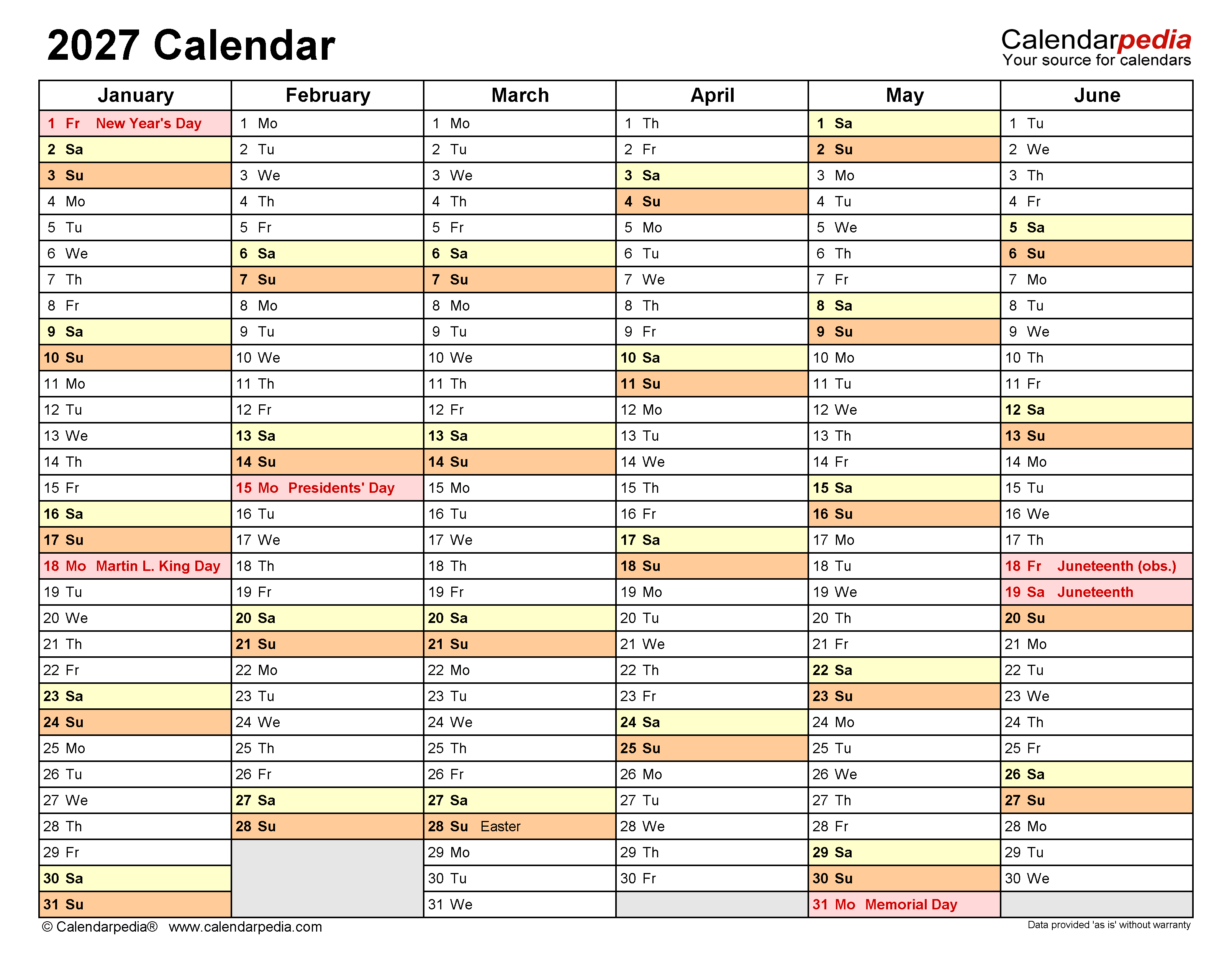
How to Customize Your 2027 Word Calendar Template in Minutes
Grab your coffee, because this is the part where it gets good. I’m talking about making the template truly yours, not just slapping your name on it.
- Open the Template: Start with the 2027 Word calendar file on your computer.
- Edit Dates & Events: Click directly on any date to add appointments, reminders, or deadlines.
- Change the Design: Use Word’s built-in themes and colors to brighten or simplify your calendar.
- Insert Images or Logos: Want your company logo or a family photo? Drag and drop it right into the header or footer.
- Adjust Layouts: Switch between monthly and weekly views to see your schedule from different angles.
- Save & Print: Export as PDF or print directly for a physical copy you can stick on your wall.
In real-world testing, I found this approach knocks down the barrier for busy folks who hate wasting time on complex software. One of my friends, a freelance graphic designer, loved how quickly she could prep her entire year’s schedule before a client meeting.

Key Features That Set This Template Apart in 2027
- Auto-filled 2027 dates with holidays tailored for major regions.
- Monthly and weekly views in one file—no juggling multiple documents.
- Editable text boxes for notes, goals, or to-do lists.
- Customizable colors and fonts to match your personality or brand.
- Printable format that fits standard paper sizes without awkward cropping.
It’s not just about slapping dates on a page. This template encourages you to plan smarter, not harder. And honestly? That’s what everyone needs in 2027.

2027 Monthly Word Calendar Templates: Stay Organized and Productive …
Source: myprintabletemplate.com

Frequently Asked Questions
Can I use this calendar template on Mac and Windows?
Absolutely. Since it’s a Word file, it works on both platforms without a hitch.
Is the 2027 calendar template free to download?
Yes, most versions of these templates are free and open for personal use. Just make sure to check the source if you’re downloading.
Can I add my own holidays or special dates?
Definitely. The template is designed for full customization so you can mark any date important to you.
What if I want to add reminders or alarms?
Word calendars don’t support alarms, but you can add notes or export dates to a digital calendar app that does.
Why I Swear by This Template for 2027 Planning
Let me tell you about Sarah, who runs a small bakery on 9th Avenue. She used to scribble orders and delivery dates on scraps of paper, missing half her deadlines. When she switched to this Word calendar template, her workflow became bulletproof. She schedules orders, tracks inventory days, and even plans employee shifts with zero fuss.
This template isn’t just a document—it’s a practical tool. In my decade of wrangling calendars, this one stands out for simplicity and power combined.
So, stop wrestling with chaotic dates. Grab a 2027 Word calendar template, make it yours, and watch how smoothly your year flows.

Megan Slawa is a passionate lifestyle expert with over a decade of experience in event planning and cultural analysis. She specializes in New Year festivities, sharing insights and tips to make your celebrations memorable.