
Why You’ll Actually Want an Excel Calendar Template for 2027
Ever tried juggling appointments, deadlines, and family plans all at once? Yeah, it’s a circus. That’s where an Excel calendar template for 2027 steps in — no fuss, just smart scheduling.
In this article, you’ll get the lowdown on what makes an Excel calendar template a must-have for 2027, plus some tips on tweaking it to fit your life like a glove.
📌 Quick Summary: An Excel calendar template for 2027 is your no-nonsense tool for organizing everything from work projects to weekend plans. It’s flexible, easy to customize, and keeps chaos at bay.
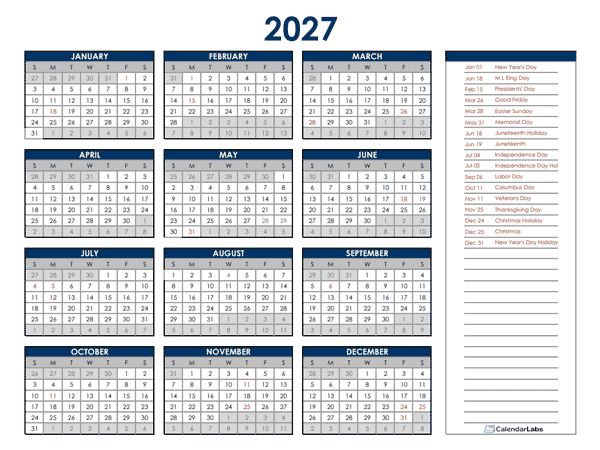
What’s So Special About the 2027 Excel Calendar Template?
Here’s the deal: a good Excel calendar template isn’t just a grid with dates. It’s a powerhouse that adapts to you. The 2027 calendar template comes pre-loaded with all the right days and holidays — and it’s ready to roll.
Customizable Layouts That Fit Your Style
Whether you want a yearly overview, a monthly breakdown, or a weekly planner, the 2027 template can switch gears. You can paint it with colors, insert notes, or add dropdowns for status updates.
Imagine Sarah, a freelance graphic designer, using color codes for client deadlines, personal errands, and creative brainstorming sessions. She swears by how the template helps her avoid last-minute panics. That’s real-world magic.
Built-In Formulas to Save You Time
Forget manually counting days or tracking weekends. The Excel template uses formulas that auto-update when you change a date or a holiday. It’s like having a tiny assistant who never sleeps.

How to Get the Most Out of Your 2027 Excel Calendar Template
So, you’ve got the template. Now what? Let’s talk about making this thing your personal command center.
Step 1: Input Your Key Dates
Start by plugging in birthdays, appointments, and deadlines. The template’s neat design lets you add these without clutter.
Step 2: Use Conditional Formatting
This Excel feature lets you highlight important days automatically. Say you want all deadlines in red and holidays in green — done! It’s a visual cue that saves you from squinting at tiny text.
Step 3: Link to Other Sheets
If you’re managing projects, connect your calendar to task lists or budget trackers within the same Excel file. This keeps everything synced and avoids toggling between apps.

2027 Excel Calendar Template: The Ultimate Tool for Organization – My …
Source: myprintabletemplate.com
Expert Tips from a Decade of Excel Calendar Use
Having spent years wrangling schedules for myself and clients, I’ve learned that an Excel calendar template only shines if you treat it like a living document.
Update it daily. Don’t wait until you’re buried in missed calls and forgotten meetings. The moment you get a new task or event, pop it in.
Also, don’t shy away from customizing beyond the obvious — add columns for “Priority” or “Status” if that helps you keep tabs on what matters most.
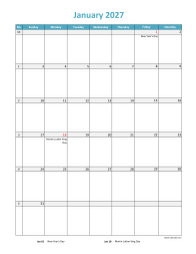
Common Pitfalls and How to Dodge Them
Here’s where many get tripped up. Overloading your calendar with too much info kills readability. Keep it lean. Use notes sparingly.
Another rookie mistake? Ignoring template updates. If the 2027 template you grabbed isn’t regularly tweaked for holidays or fiscal changes, it quickly becomes useless. Stay vigilant.
And yes, relying solely on Excel for reminders isn’t enough. Pair it with alerts on your phone or email for best results.
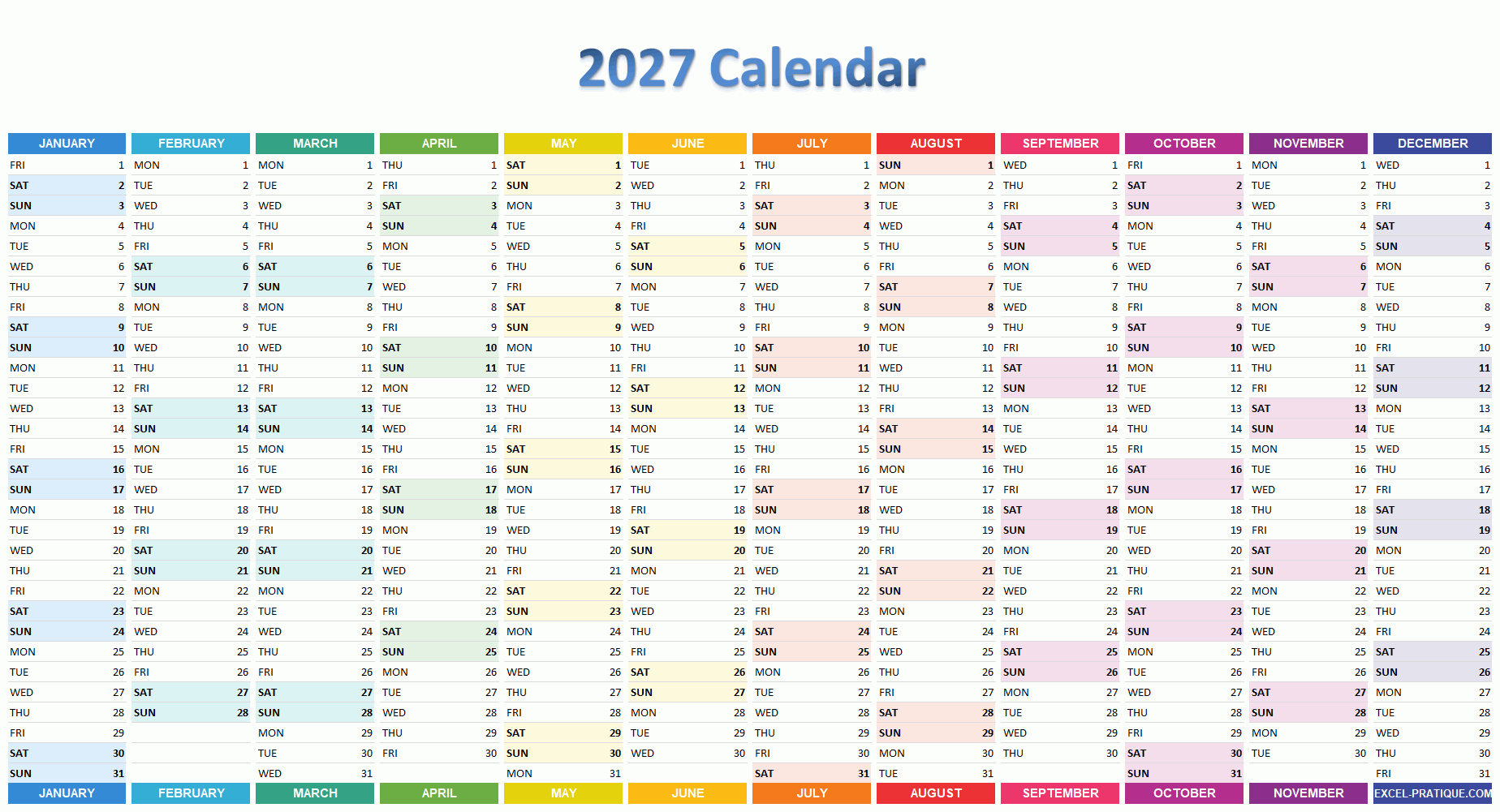
Frequently Asked Questions
Can I print the Excel calendar template for 2027?
Absolutely. The templates are designed with print-friendly layouts, making it easy to have a physical copy on your desk or wall.
Is the Excel calendar template compatible with Google Sheets?
Most templates open in Google Sheets, but some advanced formulas or formatting might not work perfectly. Test it out before fully switching.
How do I add public holidays specific to my country?
Manually enter holidays as an additional column or use online holiday lists to import dates, then apply conditional formatting for visibility.

Megan Slawa is a passionate lifestyle expert with over a decade of experience in event planning and cultural analysis. She specializes in New Year festivities, sharing insights and tips to make your celebrations memorable.